If you could make one change to how your business signs in, and only one, it should be multi-factor authentication. Nothing else available to a smaller business removes as much risk for as little money or disruption.
That has been true for years. What has changed is that MFA is no longer optional in practice — under the current Cyber Essentials question set, a cloud service that supports MFA without it enabled is an automatic certification failure — and that not all MFA is now equally useful.
What MFA actually is
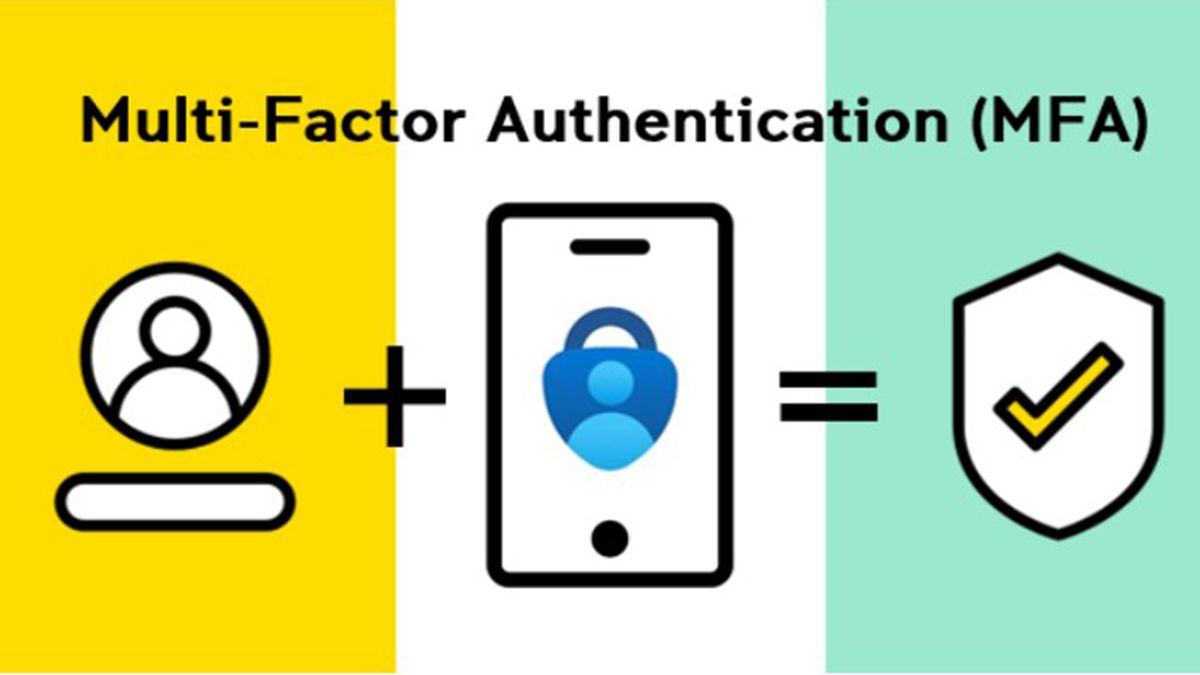
Authentication draws on three kinds of evidence: something you know, something you have, and something you are. A password is the first. A code from an app or a physical key is the second. A fingerprint or face is the third.
Multi-factor authentication simply means requiring evidence from more than one category. The value is that the categories fail independently. A password can be guessed, phished or bought in a breach dump without the attacker ever coming near your office. Getting hold of the phone in your pocket as well is a different order of problem.
A correction worth making
Older guidance — including an earlier version of this article — paired MFA with advice to enforce regular password expiry. That advice has been reversed.
The NCSC now recommends against forcing periodic password changes. In practice it produces predictable patterns (Summer2026! becoming Autumn2026!), it increases reuse, and it generates helpdesk load without measurable security benefit. The current guidance is three random words, a password manager, and changes only when there is reason to believe a password has been exposed.
Put the effort into MFA instead. It buys far more.
Not all MFA is equal any more
This is the part that has genuinely moved, and it matters because attackers have adapted.
SMS codes are the weakest common form. They are vulnerable to SIM swapping and to interception, and they train people to accept codes arriving unprompted. They are still enormously better than nothing.
Authenticator app codes are a solid middle ground and are what most businesses run. They are not phishable in bulk, but they can be captured in real time by a convincing fake login page.
Push approval with number matching is better again. Plain push notifications can be defeated by simply sending enough of them until a tired user taps Approve — an attack usually called MFA fatigue. Number matching, where the user must read a number from the sign-in screen and type it into the prompt, removes that entirely.
Passkeys and hardware security keys are the strongest option and are now realistic for smaller businesses. They are cryptographically bound to the genuine website address, which means a lookalike domain cannot use them even if the user is completely fooled. They are also, in daily use, faster than typing a code.
Which MFA would actually have stopped it?
Four scenarios we see in real incidents. Pick the answer you think is right.
Where MFA quietly is not applied
Most businesses that believe they have MFA everywhere do not. The gaps follow a pattern.
Shared mailboxes and service accounts. Nobody owns them, so nobody enrolled them, and they are often privileged. This is the single most common gap we find.
Legacy authentication protocols. Older mail protocols can bypass modern MFA entirely. If they are still enabled on your tenant, MFA is a front door with the back door propped open.
The senior exemption. Somebody found it inconvenient and was excluded. That account is usually the one with the most access and the most valuable mailbox to impersonate.
Third-party applications. The CRM, the accounts package, the file sharing tool bought by a department. Each is a separate sign-in and each needs covering.
Rolling it out without a revolt
The technical work is straightforward. The resistance is the project.
Start with administrators and anyone handling money, then finance and HR, then everyone else. Enable number matching from the beginning rather than retrofitting it. Give people a genuine choice of method where you can, because the person who dislikes authenticator apps will accept a hardware key, and the reverse is also true.
Explain it once, properly, in terms of what it protects rather than what it complies with. Then set up self-service reset so a lost phone does not become a lost morning, and agree what happens when someone is locked out at seven in the morning before anyone has decided who deals with it.
The honest assessment
MFA is not a complete defence and anyone selling it as one is overstating it. It does not help if a device is already compromised, and app codes can be phished by a determined attacker.
What it does is remove the overwhelming majority of attacks that actually happen to businesses of ten to two thousand people — credential stuffing, password reuse, and everyday phishing. For the cost and the disruption involved, nothing else comes close.
If you are not certain where MFA is and is not applied across your systems, that audit is usually a short piece of work and frequently an uncomfortable one. We are happy to run it.